https://learn.microsoft.com/en-us/dynamics365/fin-ops-core/fin-ops/sysadmin/optimization-advisor-overview
Thursday, October 19, 2023

Monday, February 27, 2023
Uninstall Store Commerce app using Power shell
1. Search for the full package name of the current MPOS using command
Get-AppxPackage -AllUsers
or
Get-AppxPackage *pos* --AllUser
then find the package of the Microsoft.Retails
2. Uninstall the package using below command
Remove-AppxPackage -AllUsers <Package name in step 1>
3. Go to Control Panel to find the Commerce app and uninstall it.
Wednesday, February 1, 2023
Creat DB snapshot in order to reuse the test data
--Taking the snapshot
CREATE DATABASE AxDB_Snapshot ON
( NAME = <DB Logical name>, FILENAME =
'J:\MSSQL_BACKUP\AX_Snapshot2.ss' )
AS SNAPSHOT OF AxDB;
It took me around 2 mins to create the snapshot
--Restoring the database from the snapshot
ALTER DATABASE AxDB SET SINGLE_USER WITH ROLLBACK IMMEDIATE;
RESTORE DATABASE AxDB from
DATABASE_SNAPSHOT = 'AxDB_Snapshot';
ALTER DATABASE AxDB SET MULTI_USER;Friday, December 16, 2022
Setup Dynamics 365 Commerce development environment
- Install WebView2 dev tools at https://developer.microsoft.com/en-us/microsoft-edge/webview2/#download-section (install for all windows users as admininstrator)
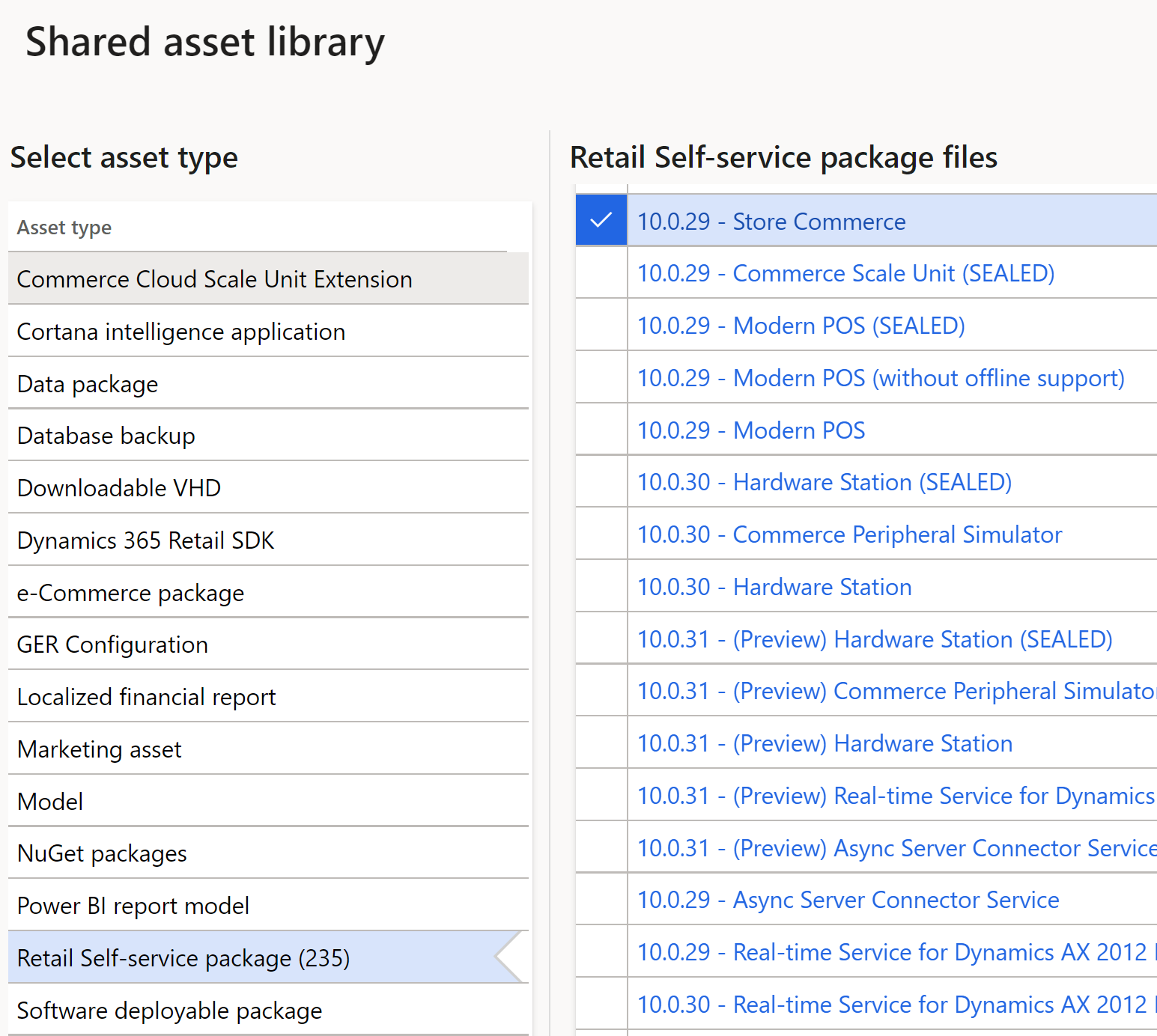
- Download Store Commerce SDK installer in LCS > Shared Library
- Run Windows PowerShell as admin, then install CommerSDK with the command .\StoreCommerce.Installer.exe install --enablewebviewdevtools
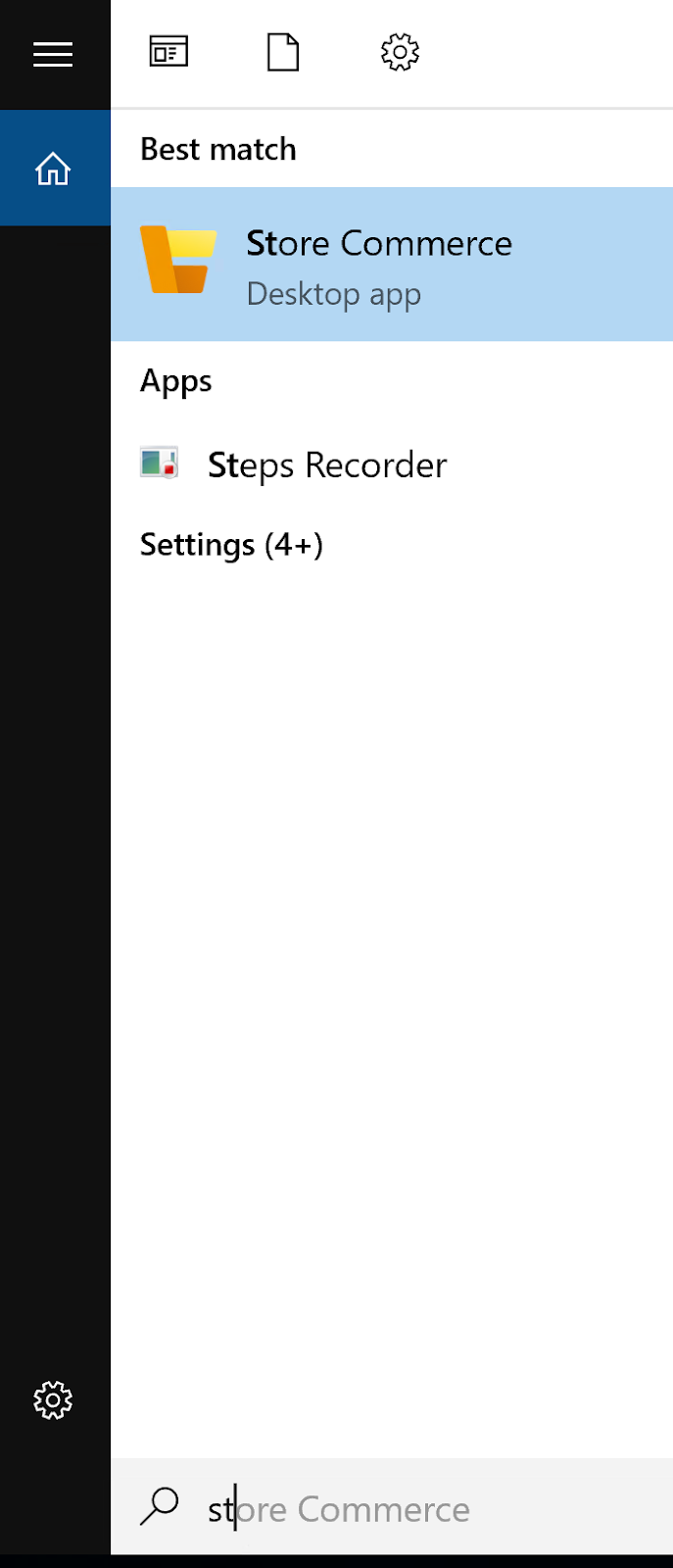
- Click Start button > Store Commerce
- Copy retail server URL from D365 HQ at Retail and Commerce > Channel Setup > Channel profiles and paste it to the Store Commerce app
- Validate if the Retail Server is alive: go to IIS and browse the Retail Server or copy the Retail Server URL in step 5 and paste it in the browser.
- Check if Full text index has been install in SQL Server by running the command below SELECT
CASE WHEN FULLTEXTSERVICEPROPERTY('IsFullTextInstalled') = 1 THEN 'INSTALLED' ELSE 'NOT INSTALLED' END IsFullTextInstalled - Check Prerequisites for setting up the enviornment https://learn.microsoft.com/en-us/dynamics365/commerce/dev-itpro/setup-local-dev-env


Thursday, November 11, 2021
Search extended elements in a form design
When you extend a standard form and add many form controls into it, there will be a time that you want to see only these extended objects, not the entire form. In that case, put "e:" in the search bar above the form design

Thursday, September 23, 2021
Load a recent copy of production transactions into the development environment
I find this article really helpful when trying to restore databases from the 2-tier cloud-hosted server to my local dev VM.
https://docs.microsoft.com/en-us/dynamics365/fin-ops-core/dev-itpro/database/dbmovement-scenario-exportuat#import-the-database
Hope it helps.
Thursday, August 5, 2021
Unable to find report design error for all report designs in one box environment
If you faced this error when you tried to run any of the standard reports in D365FO, it's better to re-install the reporting extension in one box environment
Go to C:\AOSService\PackagesLocalDirectory\Plugins\AxReportVmRoleStartupTask
then open windows power shell as administrator and run the following command
.\DeploySsrsExtension.ps1
After that, you also needs to re-deploy all reports with the command .\DeployAllReportsToSsrs.ps1
Subscribe to:
Posts (Atom)
-
 From time to time, you may have to debug a copy of the production database, but you are unable to export & import the DB to your dev ma...
 -
1. Upload the compressed package to LCS > Asset Library > Software deployable package 2. Go to Dev environment > Maintain > Ap...
-
K:\AOSService\PackagesLocalDirectory\Bin\Microsoft.Dynamics.AX.Deployment.Setup.exe --setupmode importlicensefile --metadatadir K:\aosservi...
