--Taking the snapshot
Wednesday, February 1, 2023
Creat DB snapshot in order to reuse the test data
Friday, December 16, 2022
Setup Dynamics 365 Commerce development environment
- Install WebView2 dev tools at https://developer.microsoft.com/en-us/microsoft-edge/webview2/#download-section (install for all windows users as admininstrator)
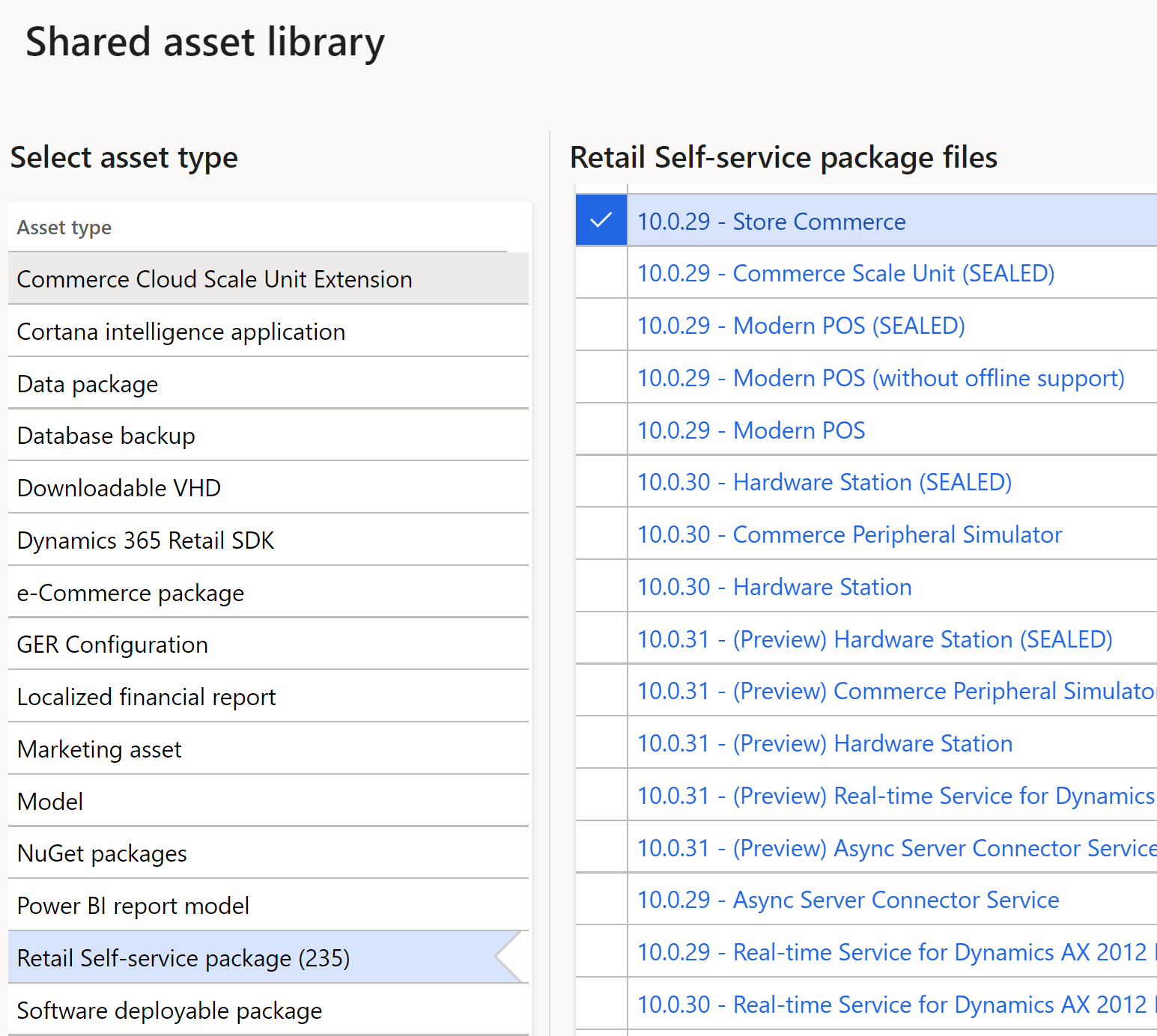
- Download Store Commerce SDK installer in LCS > Shared Library
- Run Windows PowerShell as admin, then install CommerSDK with the command .\StoreCommerce.Installer.exe install --enablewebviewdevtools
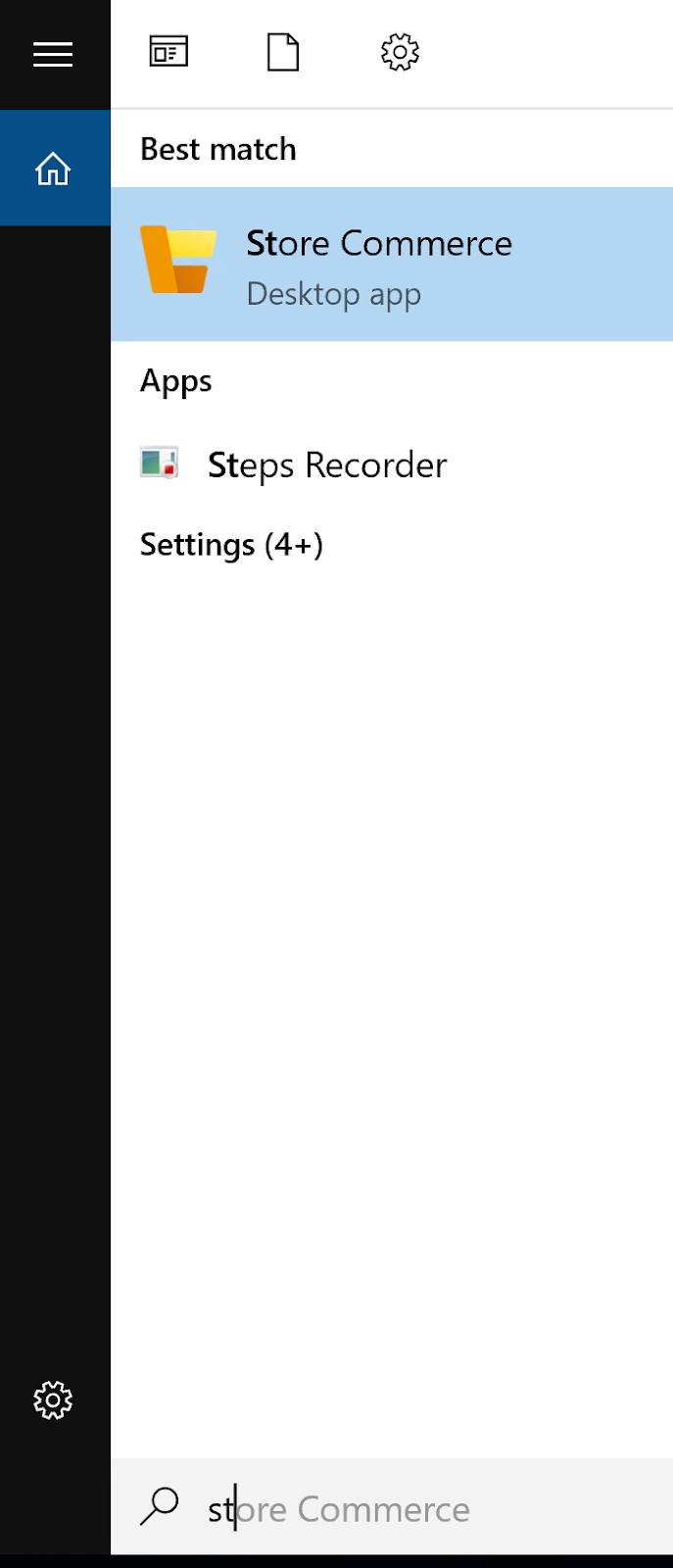
- Click Start button > Store Commerce
- Copy retail server URL from D365 HQ at Retail and Commerce > Channel Setup > Channel profiles and paste it to the Store Commerce app
- Validate if the Retail Server is alive: go to IIS and browse the Retail Server or copy the Retail Server URL in step 5 and paste it in the browser.
- Check if Full text index has been install in SQL Server by running the command below SELECT
CASE WHEN FULLTEXTSERVICEPROPERTY('IsFullTextInstalled') = 1 THEN 'INSTALLED' ELSE 'NOT INSTALLED' END IsFullTextInstalled - Check Prerequisites for setting up the enviornment https://learn.microsoft.com/en-us/dynamics365/commerce/dev-itpro/setup-local-dev-env
Thursday, November 11, 2021
Search extended elements in a form design
When you extend a standard form and add many form controls into it, there will be a time that you want to see only these extended objects, not the entire form. In that case, put "e:" in the search bar above the form design
Thursday, September 23, 2021
Load a recent copy of production transactions into the development environment
I find this article really helpful when trying to restore databases from the 2-tier cloud-hosted server to my local dev VM.
https://docs.microsoft.com/en-us/dynamics365/fin-ops-core/dev-itpro/database/dbmovement-scenario-exportuat#import-the-database
Hope it helps.
Thursday, August 5, 2021
Unable to find report design error for all report designs in one box environment
If you faced this error when you tried to run any of the standard reports in D365FO, it's better to re-install the reporting extension in one box environment
Go to C:\AOSService\PackagesLocalDirectory\Plugins\AxReportVmRoleStartupTask
then open windows power shell as administrator and run the following command
.\DeploySsrsExtension.ps1
After that, you also needs to re-deploy all reports with the command .\DeployAllReportsToSsrs.ps1
Thursday, July 1, 2021
Using System.Collections.Generic.List of .Net as a parameter doesn't work well with X++ compiler
Sunday, March 7, 2021
CoC Lookup on form datasource
[ExtensionOf(formDataFieldStr(InventNonConformanceTableCreate,InventNonConformanceTable,MyStingControl))]
final class FARInventNonConfTableCreateFrmCtrl_Extension
{
public void lookup(FormControl _control,str _filter)
{
next lookup(_control,_filter);
Query query = new Query();
query.addDataSource(tableNum(DirOrganization));
SysTableLookup sysTableLookup = SysTableLookup::newParameters(tableNum(DirOrganization),_control);
sysTableLookup.addLookupfield(fieldNum(DirOrganization,PartyNumber));
sysTableLookup.addLookupfield(fieldNum(DirOrganization,Name));
sysTableLookup.parmQuery(query);
sysTableLookup.performFormLookup();
}
}
Map Git Repository in D365 FO development environment
These are steps that you need to set up before developing your first D365 FO project: 1. Clone the Git Repository, exp: in drive C in your p...
-
From time to time, you may have to debug a copy of the production database, but you are unable to export & import the DB to your dev ma...
-
1. Upload the compressed package to LCS > Asset Library > Software deployable package 2. Go to Dev environment > Maintain > Ap...
-
K:\AOSService\PackagesLocalDirectory\Bin\Microsoft.Dynamics.AX.Deployment.Setup.exe --setupmode importlicensefile --metadatadir K:\aosservi...